Building Sustainable Solutions at scale

ux research • Ux design • developer handoffs

This case study gives an overview of my work at the internship. Interested in reading the whole case study?

Don't have the password? Send me an email - email me!

Timeline

8 months

my role

Product Design & Owner Intern

Product Design & Owner Intern

tools

Figma, Pendo, Figjam, Claude Design
4+

Hours/week saved per user

100+

Sustainability Managers empowered

3

Major initiatives led

14

User stories written & refined
Overview

What is Brightly?

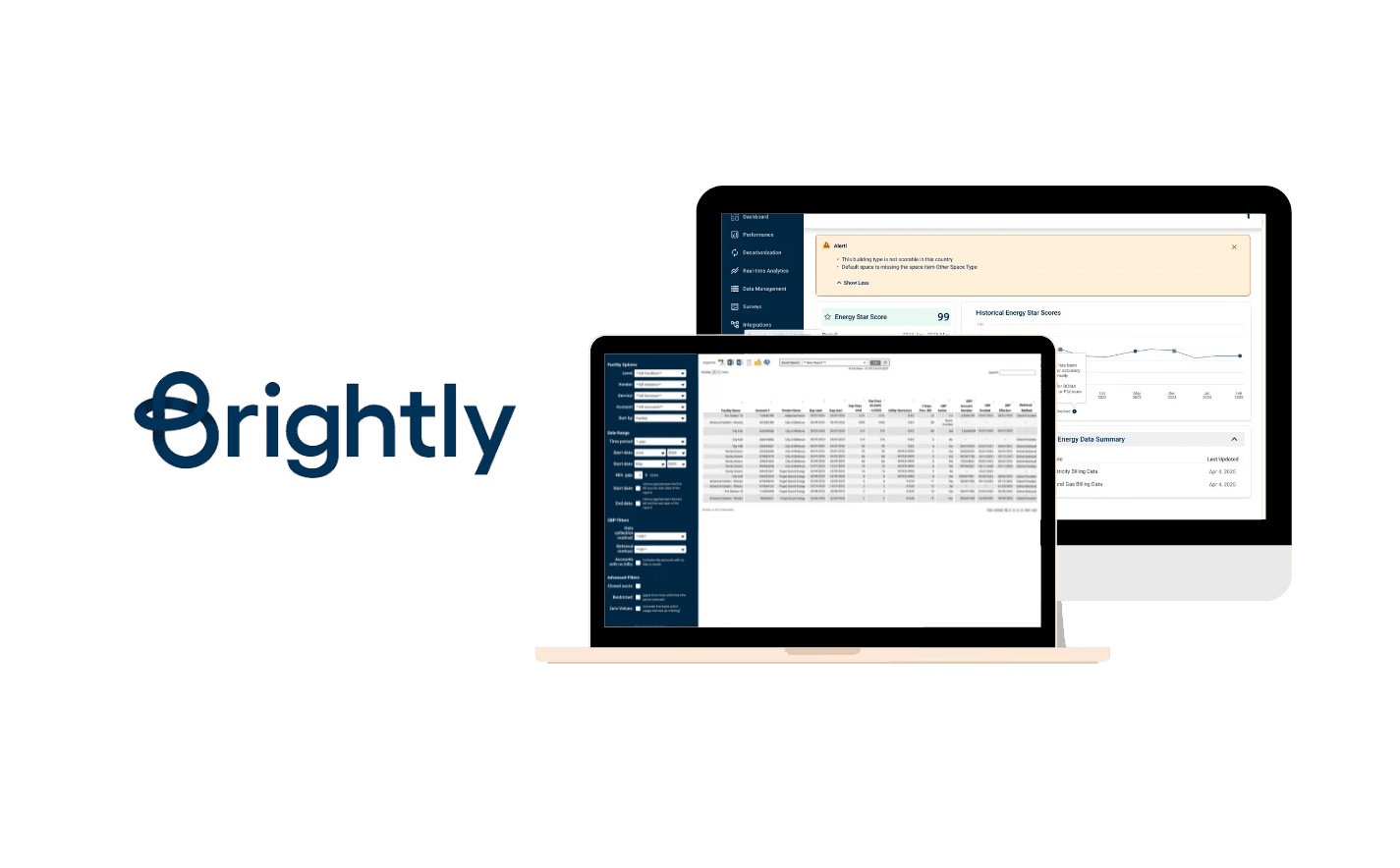
Brightly, a Siemens company, builds facilities and sustainability management software used by operations and sustainability teams managing large commercial property portfolios across North America.

What was the design problem?

Sustainability managers using Streams were spending 2–3 hours weekly on manual configuration to get data to and from ENERGY STAR.

They needed to connect their buildings to ENERGY STAR to track energy performance scores, sync utility data, and maintain consistent records across both systems.

This connection didn't exist in a way that users could control themselves. It required manual intervention, technical workarounds, and offered no visibility into whether the sync had worked or failed.

My Key Responsibilities

User Research

01

UX Research
  • Performed competitive analysis and workflow mapping.

  • Led user interviews, surveys, and usability testing for Energy Manager and ESPM Integration.

  • Gathered and synthesized user requirements from internal service teams and end-users to identify pain points and opportunities.

User Research

02

UX Design
  • Led the design process for Brightly’s energy monitoring platform integration, from designing wireframes and user flows, to iterating based on feedback, and delivering final designs with user stories for development.

User Research

03

Client Feedback Integration with Pendo
  • Led the migration of historical client feedback into Pendo, Brightly’s product analytics and feedback tool.

  • Completed Pendo Essentials for Workforce Apps certification to ensure effective implementation.

User Research

04

Cross - Functioal Collaboration
  • Worked closely with UX designers, developers, and product owners to align design decisions with technical feasibility and business goals, ensuring smooth handoff from design to development.

  • Leveraged my software development background to identify APIs and provide technical recommendations during PO meetings.

Private case study

Want to read the full Brightly case study?

Open the complete case study for the full process, research, strategy, design, testing, and learnings. This would require a password.

Don't have the password? Send me an email - email me!

Learnings

Embracing Change: Don’t Get Attached to Every Design

Early on, I learned that it’s perfectly normal for some designs to get descoped or set aside. Rather than taking this personally, I recognized that design decisions are driven by business needs and changing priorities. Maintaining flexibility and focusing on the project’s broader goals allowed me to grow as a resilient and strategic designer.

Adapting to Constraints: Prioritizing What Matters Most

Projects often move fast and sometimes limited budgets and tight timelines mean that not every step can be executed as planned. For example, after initial user testing and implementing feedback, we didn’t have the bandwidth for a second round of formal testing. To ensure some level of insight, I guided a fresh team member through the new designs, asking them to evaluate the experience from a user’s perspective. It wasn’t perfect—but was a practical solution given our constraints.

Knowing When to Push Back: Advocating for Users

It’s important to adapt, but sometimes you have to stand your ground, even under pressure. On one project, internal process stakeholders had already reviewed our UI, and tight deadlines made skipping further user testing tempting. My team and I insisted on a quick round of testing with end users, balancing project urgency with the need for real feedback. This approach ensured our designs genuinely met user needs before launch.

Leveraging Tools for Efficiency: The Value of Auto Layout

Mastering features like auto layout in our design tools greatly accelerated my workflow. It became significantly easier to iterate on designs, incorporate feedback, and prepare files for handoff. This efficiency allowed for rapid refinements and greater overall team agility throughout the project.

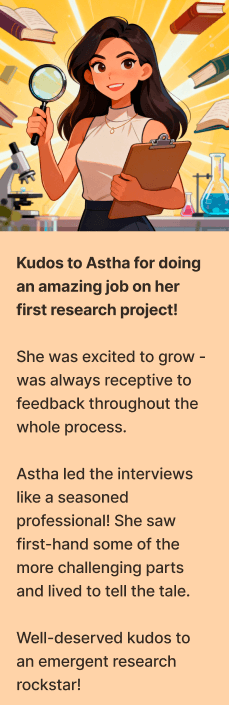
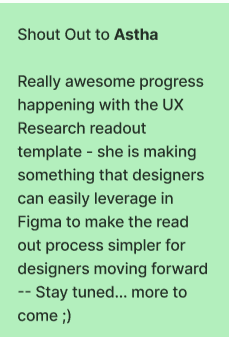
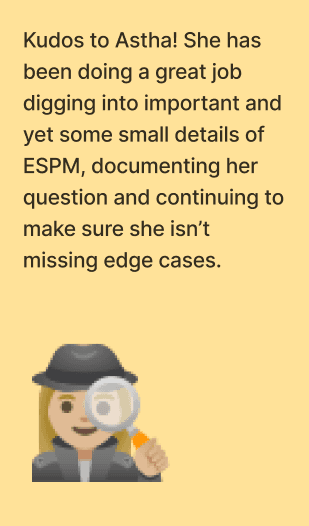
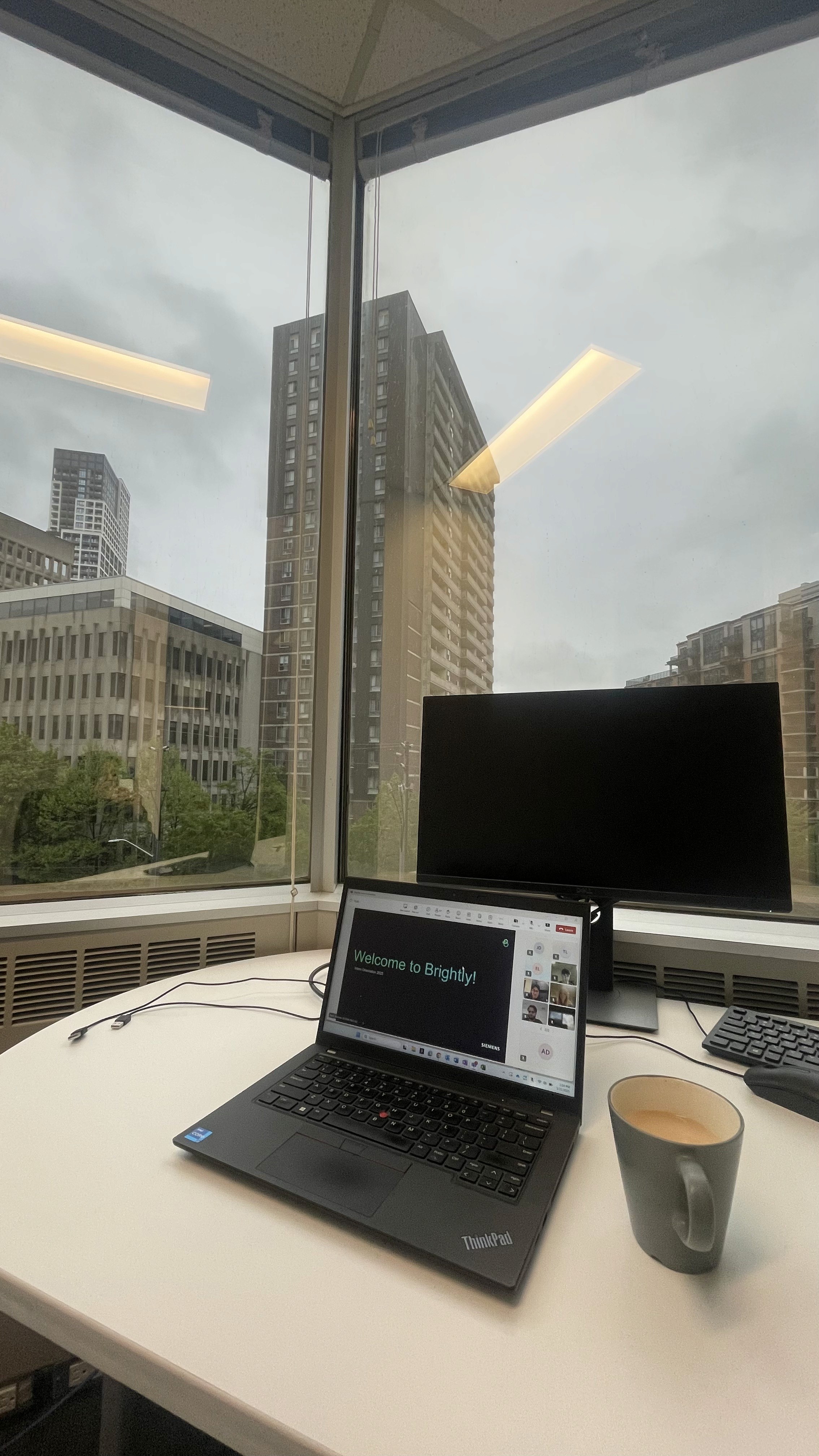
My desk & some appreciations

While the contents of my work are under NDA, this case study highlights the main scope of work and outcomes. If you'd like to dive deeper and see the actual designs - email me!

Overview

What is Brightly?

Brightly, a Siemens company, builds facilities and sustainability management software used by operations and sustainability teams managing large commercial property portfolios across North America.

What was the design problem?

Sustainability managers using Streams were spending 2–3 hours weekly on manual configuration to get data to and from ENERGY STAR.

They needed to connect their buildings to ENERGY STAR to track energy performance scores, sync utility data, and maintain consistent records across both systems.

This connection didn't exist in a way that users could control themselves. It required manual intervention, technical workarounds, and offered no visibility into whether the sync had worked or failed.

My Key Responsibilities

User Research

01

UX Research
  • Performed competitive analysis and workflow mapping.

  • Led user interviews, surveys, and usability testing for Energy Manager and ESPM Integration.

  • Gathered and synthesized user requirements from internal service teams and end-users to identify pain points and opportunities.

User Research

03

Client Feedback Integration with Pendo
  • Led the migration of historical client feedback into Pendo, Brightly’s product analytics and feedback tool.

  • Completed Pendo Essentials for Workforce Apps certification to ensure effective implementation.

User Research

02

UX Design
  • Led the design process for Brightly’s energy monitoring platform integration, from designing wireframes and user flows, to iterating based on feedback, and delivering final designs with user stories for development.

User Research

04

Cross - Functioal Collaboration
  • Worked closely with UX designers, developers, and product owners to align design decisions with technical feasibility and business goals, ensuring smooth handoff from design to development.

  • Leveraged my software development background to identify APIs and provide technical recommendations during PO meetings.

Private case study

Want to read the full Brightly case study?

Open the complete case study for the full process, research, strategy, design, testing, and learnings. This would require a password.

Don't have the password? Send me an email - email me!

Learnings

Embracing Change: Don’t Get Attached to Every Design

Early on, I learned that it’s perfectly normal for some designs to get descoped or set aside. Rather than taking this personally, I recognized that design decisions are driven by business needs and changing priorities. Maintaining flexibility and focusing on the project’s broader goals allowed me to grow as a resilient and strategic designer.

Adapting to Constraints: Prioritizing What Matters Most

Projects often move fast and sometimes limited budgets and tight timelines mean that not every step can be executed as planned. For example, after initial user testing and implementing feedback, we didn’t have the bandwidth for a second round of formal testing. To ensure some level of insight, I guided a fresh team member through the new designs, asking them to evaluate the experience from a user’s perspective. It wasn’t perfect—but was a practical solution given our constraints.

Knowing When to Push Back: Advocating for Users

It’s important to adapt, but sometimes you have to stand your ground, even under pressure. On one project, internal process stakeholders had already reviewed our UI, and tight deadlines made skipping further user testing tempting. My team and I insisted on a quick round of testing with end users, balancing project urgency with the need for real feedback. This approach ensured our designs genuinely met user needs before launch.

Leveraging Tools for Efficiency: The Value of Auto Layout

Mastering features like auto layout in our design tools greatly accelerated my workflow. It became significantly easier to iterate on designs, incorporate feedback, and prepare files for handoff. This efficiency allowed for rapid refinements and greater overall team agility throughout the project.

My desk & some appreciations

While the contents of my work are under NDA, this case study highlights the main scope of work and outcomes. If you'd like to dive deeper and see the actual designs - email me!

Overview

What is Brightly?

Brightly, a Siemens company, builds facilities and sustainability management software used by operations and sustainability teams managing large commercial property portfolios across North America.

What was the design problem?

Sustainability managers using Streams were spending 2–3 hours weekly on manual configuration to get data to and from ENERGY STAR.

They needed to connect their buildings to ENERGY STAR to track energy performance scores, sync utility data, and maintain consistent records across both systems.

This connection didn't exist in a way that users could control themselves. It required manual intervention, technical workarounds, and offered no visibility into whether the sync had worked or failed.

My Key Responsibilities

User Research

01

UX Research
  • Performed competitive analysis and workflow mapping.

  • Led user interviews, surveys, and usability testing for Energy Manager and ESPM Integration.

  • Gathered and synthesized user requirements from internal service teams and end-users to identify pain points and opportunities.

User Research

02

UX Design
  • Led the design process for Brightly’s energy monitoring platform integration, from designing wireframes and user flows, to iterating based on feedback, and delivering final designs with user stories for development.

User Research

03

Client Feedback Integration with Pendo
  • Led the migration of historical client feedback into Pendo, Brightly’s product analytics and feedback tool.

  • Completed Pendo Essentials for Workforce Apps certification to ensure effective implementation.

User Research

04

Cross - Functioal Collaboration
  • Worked closely with UX designers, developers, and product owners to align design decisions with technical feasibility and business goals, ensuring smooth handoff from design to development.

  • Leveraged my software development background to identify APIs and provide technical recommendations during PO meetings.

Private case study

Want to read the full Brightly case study?

Open the complete case study for the full process, research, strategy, design, testing, and learnings. This would require a password.

Don't have the password? Send me an email - email me!

Learnings

Embracing Change: Don’t Get Attached to Every Design

Early on, I learned that it’s perfectly normal for some designs to get descoped or set aside. Rather than taking this personally, I recognized that design decisions are driven by business needs and changing priorities. Maintaining flexibility and focusing on the project’s broader goals allowed me to grow as a resilient and strategic designer.

Adapting to Constraints: Prioritizing What Matters Most

Projects often move fast and sometimes limited budgets and tight timelines mean that not every step can be executed as planned. For example, after initial user testing and implementing feedback, we didn’t have the bandwidth for a second round of formal testing. To ensure some level of insight, I guided a fresh team member through the new designs, asking them to evaluate the experience from a user’s perspective. It wasn’t perfect—but was a practical solution given our constraints.

Knowing When to Push Back: Advocating for Users

It’s important to adapt, but sometimes you have to stand your ground, even under pressure. On one project, internal process stakeholders had already reviewed our UI, and tight deadlines made skipping further user testing tempting. My team and I insisted on a quick round of testing with end users, balancing project urgency with the need for real feedback. This approach ensured our designs genuinely met user needs before launch.

Leveraging Tools for Efficiency: The Value of Auto Layout

Mastering features like auto layout in our design tools greatly accelerated my workflow. It became significantly easier to iterate on designs, incorporate feedback, and prepare files for handoff. This efficiency allowed for rapid refinements and greater overall team agility throughout the project.

My fav desk & some appreciations

While the contents of my work are under NDA, this case study highlights the main scope of work and outcomes. If you'd like to dive deeper and see the actual designs - email me!

Got a design problem worth solving, or want to talk shop?

I'd love to connect.

Got a design problem worth solving, or want to talk shop?

I'd love to connect.

Got a design problem worth solving, or want to talk shop?

I'd love to connect.

Got a design problem worth solving, or want to talk shop?

I'd love to connect.

Got a design problem worth solving, or want to talk shop?

I'd love to connect.

Got a design problem worth solving, or want to talk shop?

I'd love to connect.

Designed and occasionally overthought by Astha Dhami ©

2026